General

This page shows the work the media team are currently doing. Please feel free to have a look.
Rachael the magician
This was a quick lesson in how to make things appear and disappear when editing by cutting sections of the video out.
This page shows the work the media team are currently doing. Please feel free to have a look.
Rachael the magician
This was a quick lesson in how to make things appear and disappear when editing by cutting sections of the video out.
Creating a silent movie
For our silent movie we started by each creating a simple storyboard showing our ideas.
We voted on the one we thought might be the most effective as a silent movie. We chose Ka Yin's idea involving someone struggling to go through a pull door by pushing it.
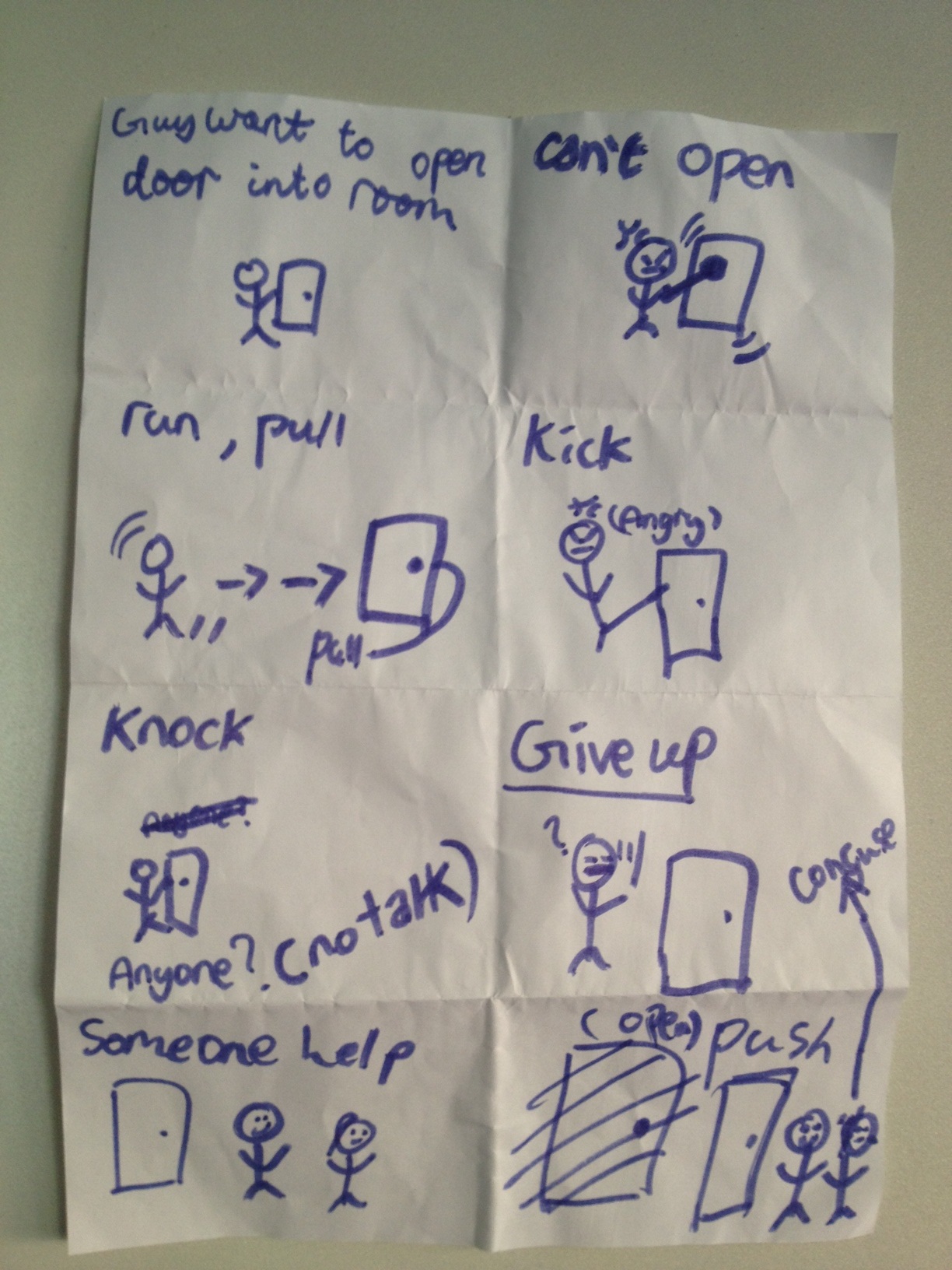
Next we split into 4 groups and each group filmed a rough version following their own ideas for camera angles and scenes.
Below are our rough films.
Todays 'Pulling things together' videos.
These videos below show a very simple task through multiple angles and interesting editing to try and make an actual short movie.
Tying Shoe Laces - By Alice, Priscilla and Tiffany
Making a paper plane - By Ian, Megan and Pierson
Packing a bag - By Zanna, Raphael and Justin
Writing a note - By Rachael, Ka Yin and Janice
Drinking Coke
This is my exampe piece (sorry its a bit untidy but I tried to film myself, which is difficult).
Pulling things together
Today you are going to create a movie using the following skills from the last few weeks:
- Storyboard your shots
- Film using multiple camera angles
- Edit with quick shot changes in iMovie
- Add appropriate music
Your movie will be of a simple everyday task. It should be no longer than a minute when it is finished (no single shots should be more than 5 seconds).
Your storyboards, cameras and computers are on the desks. You can choose a task from the whiteboard.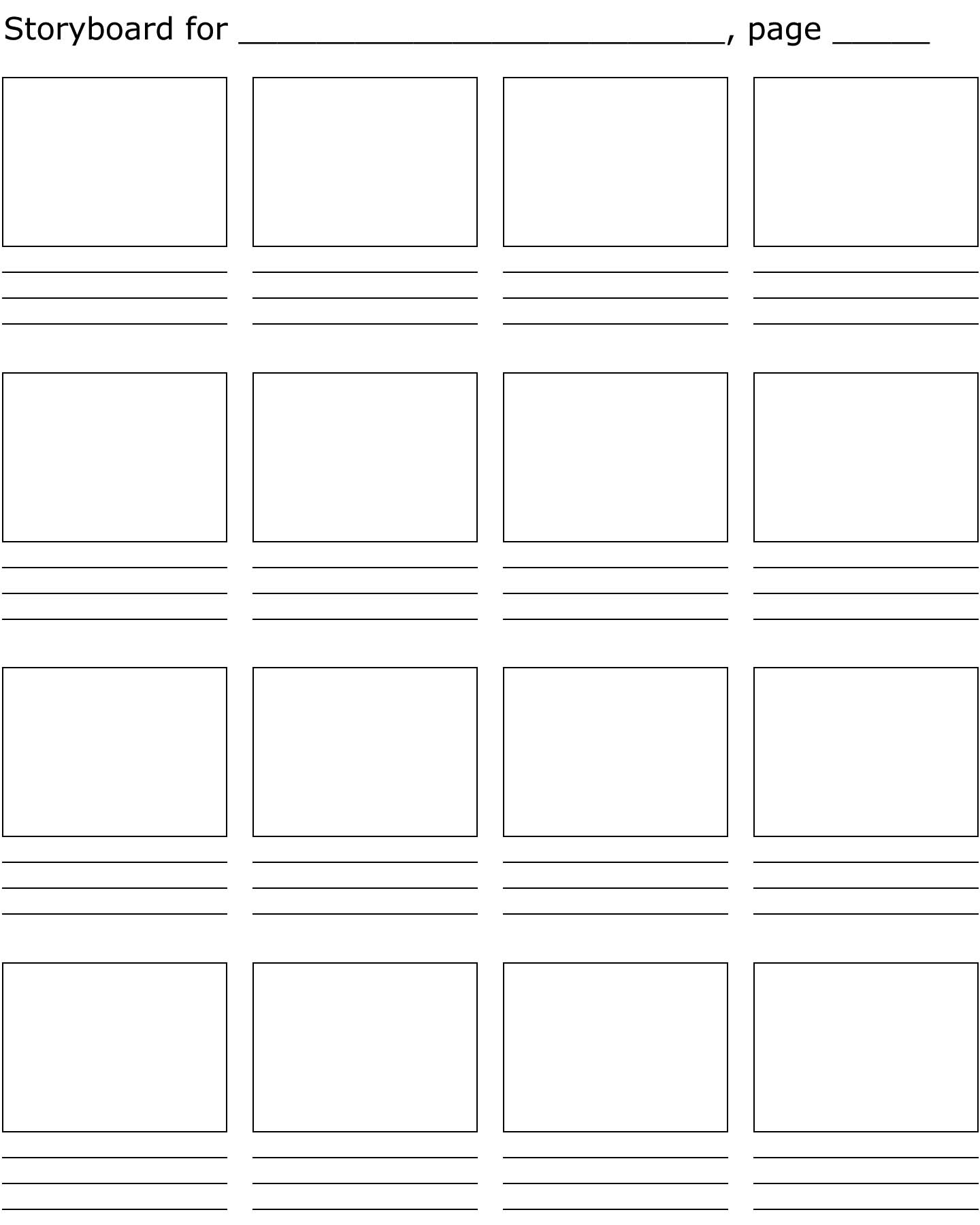
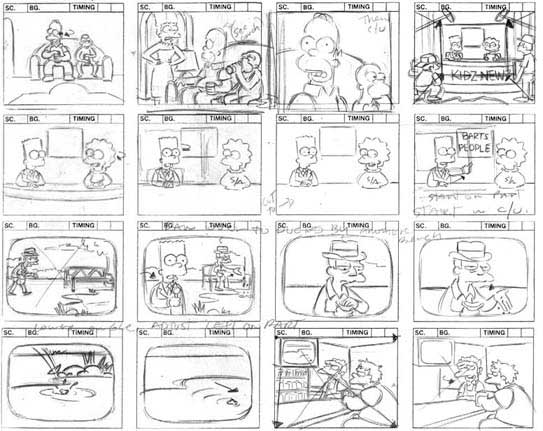
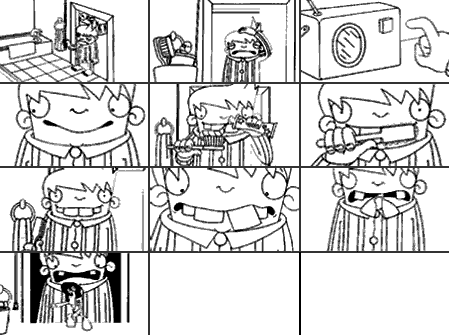
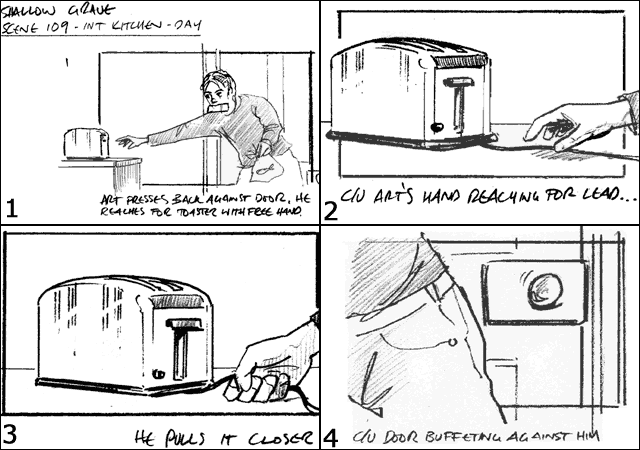
Storyboards
To look at how storyboarding works when planning to film we used iMovie's movie trailer feature to create the following video. By looking through the needed shots we were able to then film lots of pieces which we then cut and pieced into the trailer.
Please enjoy our videos below:
The Movie - Example by Mr Lowe
Who is the ultimate spy? By Priscilla, Tiffany and Alice
The Football Match - By Zanna, Raphael and Justin
Rachael and The Filmer of Doom - By Rachael and Pierson
Best Girl Football - By Janice and Ka Yin
This week we are going to look at a video technique that uses different shots cut together in a way that makes the final movie look like it is all one continuous scene. We will try to recreate a similar video to the one above showing someone moving through the school.
Below is the Raw camera footage we shot today. This has not yet been edited so has lots of repeat shots and is not yet timed correctly. Next week we will be learning to edit footage to make this into a sinlge seamless movie.
RAW camera footage (unedited)
Running - An example of cutting on the action.

BHS film reel from Stu Lowe on Vimeo.
And here is our final high speed video - hope you like it.

Back to top